Speak, and It Types
Blazingly Fast
Voxlilt is a cross-platform voice input method powered by local AI models. Your data never leaves your device — privacy guaranteed. Hold the Fn key to start speaking.
Why Voxlilt
We focus on building the fastest, most secure experience for voice input and file transcription
Blazing Fast
Local AI powers both low-latency voice input and fast file transcription for common audio formats.
Runs Locally
Recognition runs on your machine. No internet required, and long audio can stay local before any optional cloud polish.
Privacy First
Your voice data never leaves your device. All recognition and storage happens locally. Zero data uploads.
Completely Free
All features are currently free with no hidden charges or usage limits. Try it now and experience the best voice input.
Three Steps to Voice Input
No complex setup — works right out of the box
Press Hotkey
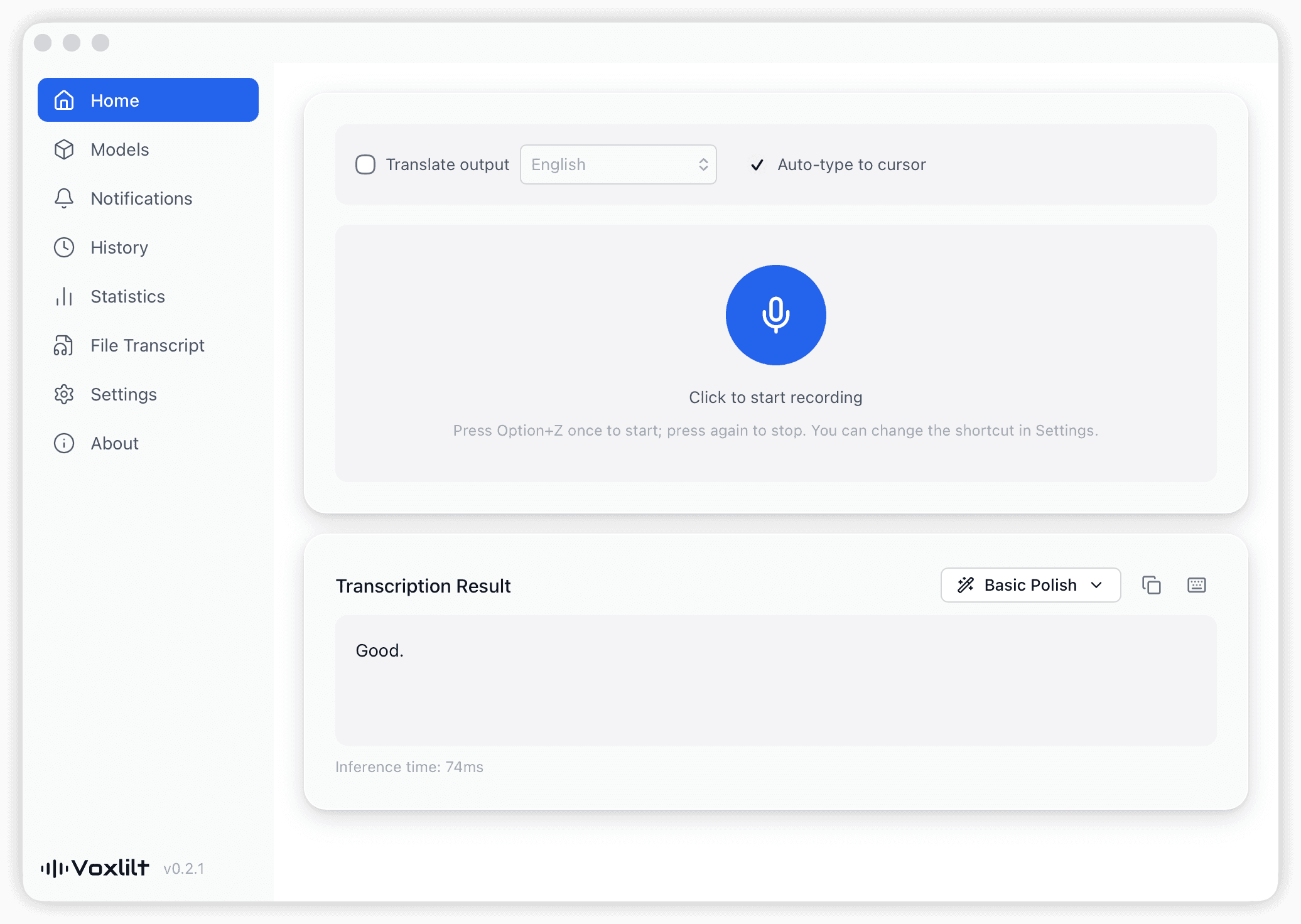
Hold your custom hotkey (default Fn) to start recording
Start Speaking
Speak into your microphone in any of 99+ supported languages. Hold the Fn key to start speaking.
Text Appears
Release the hotkey and the transcribed text is typed at your cursor
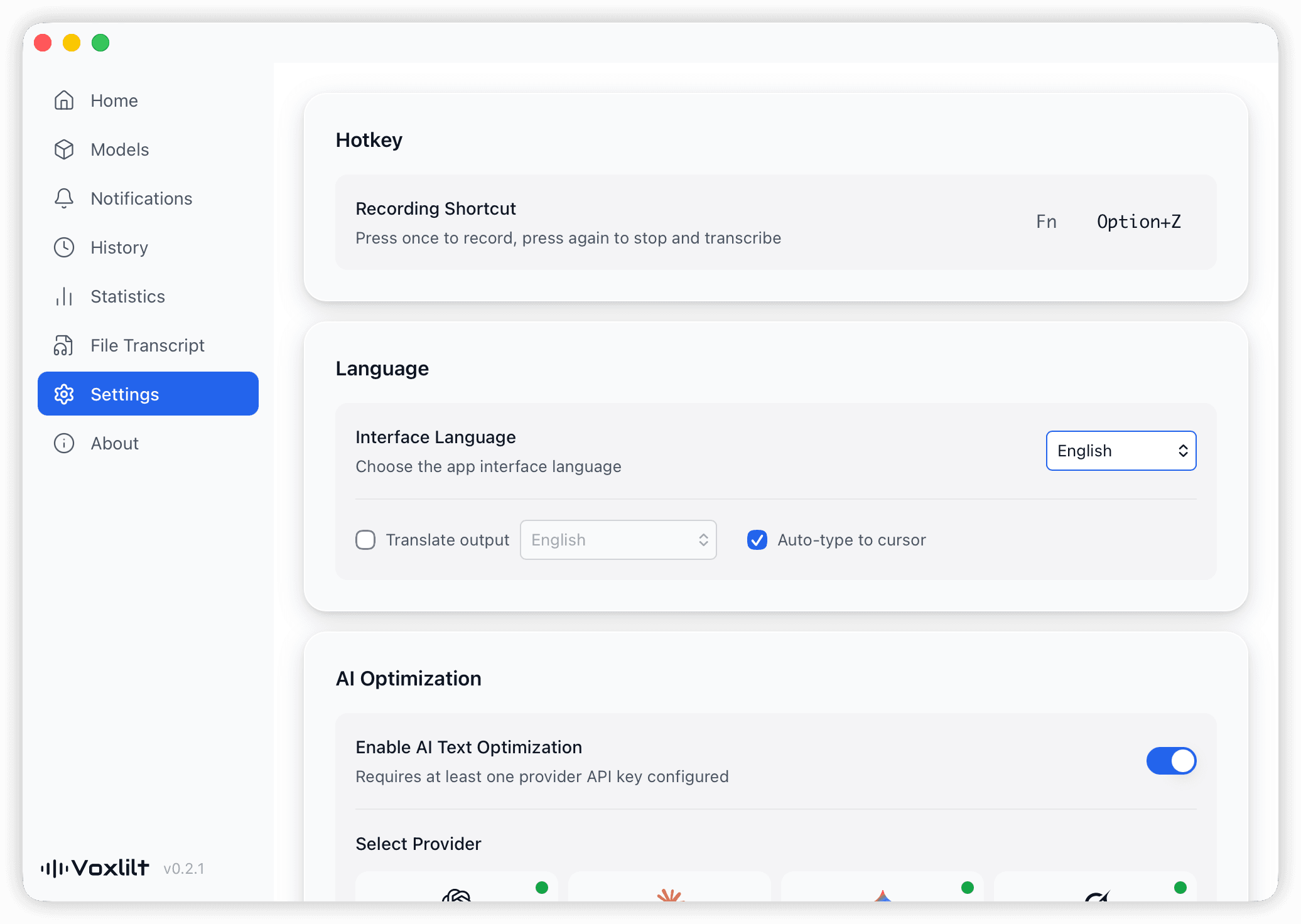
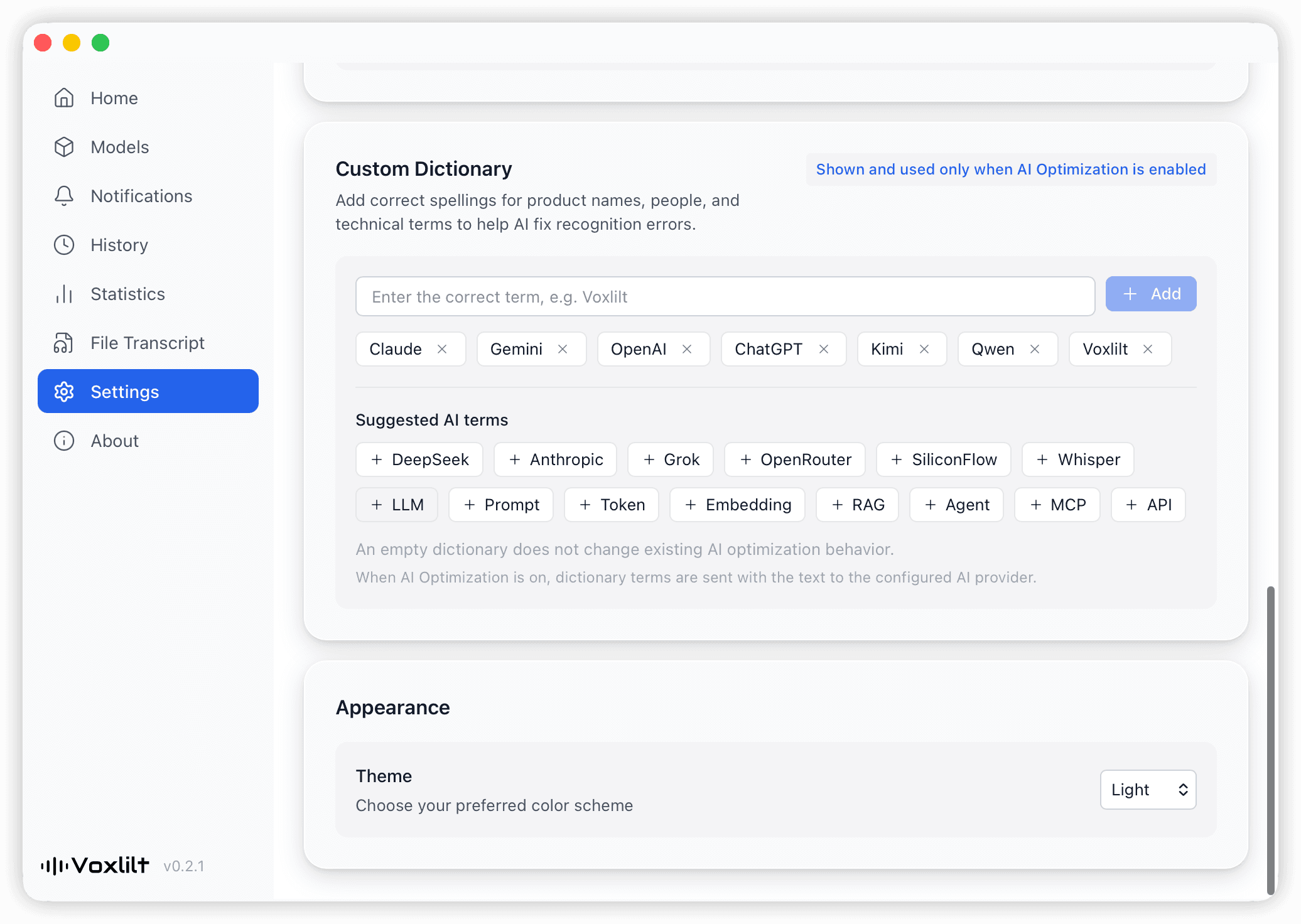
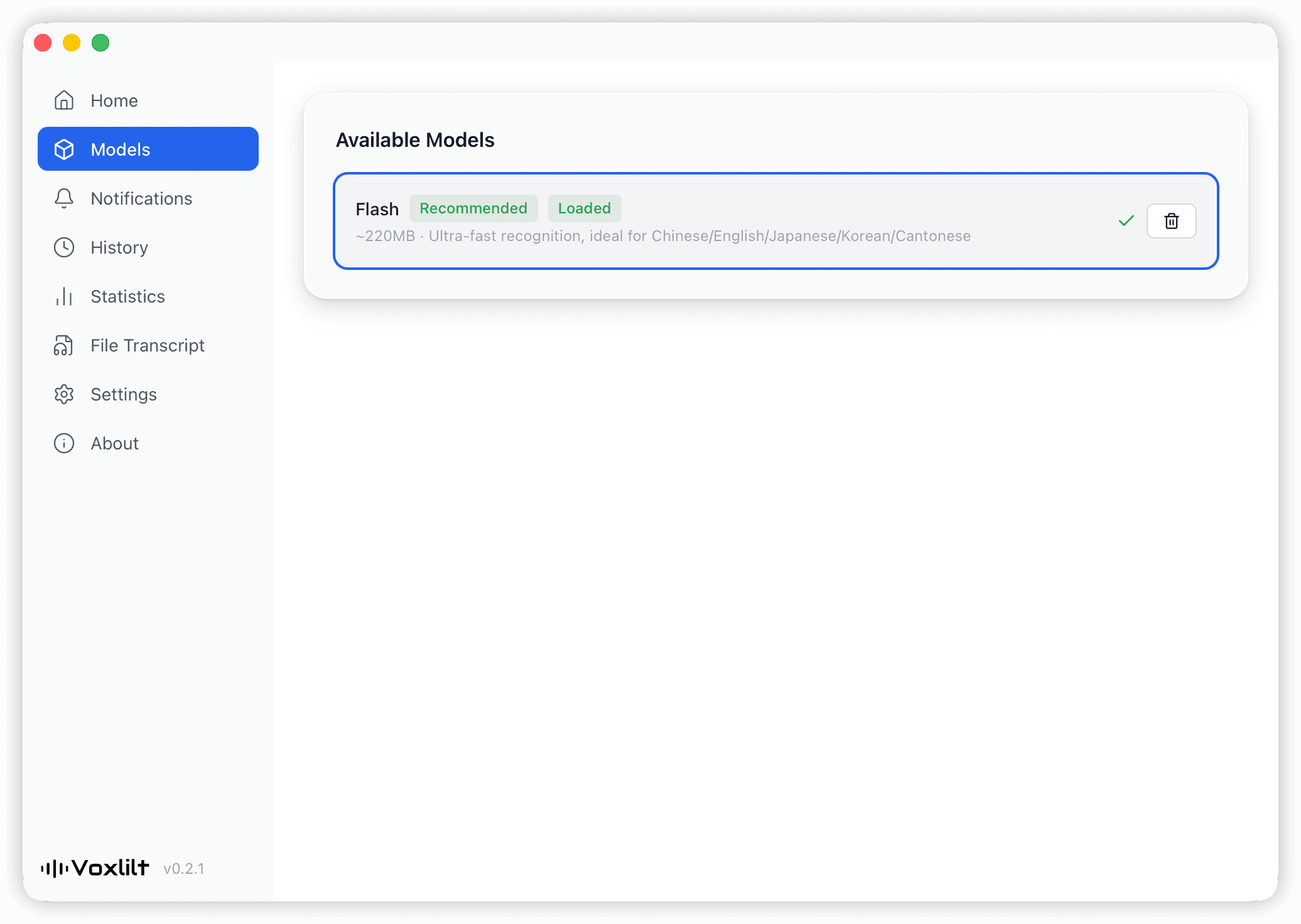
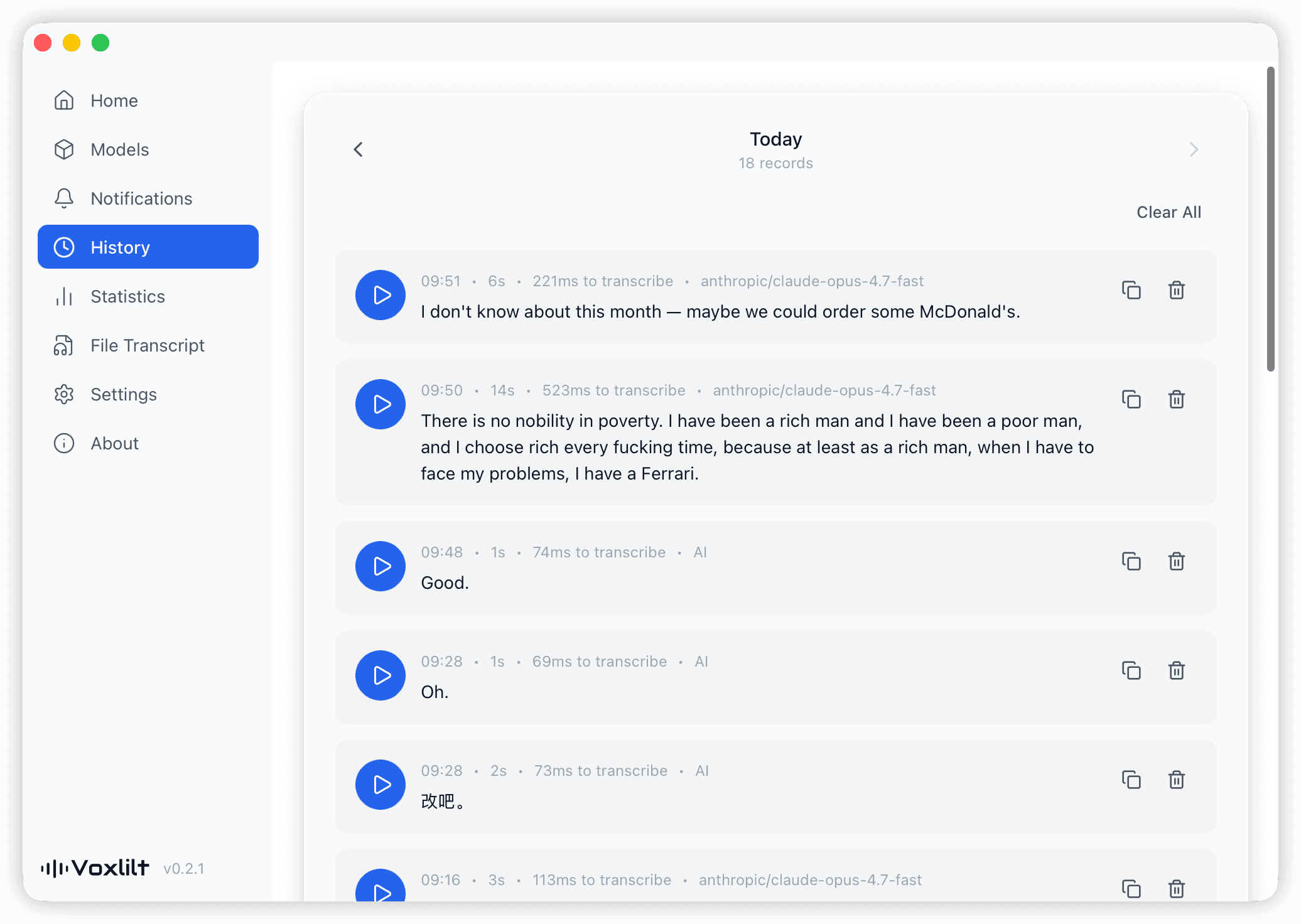
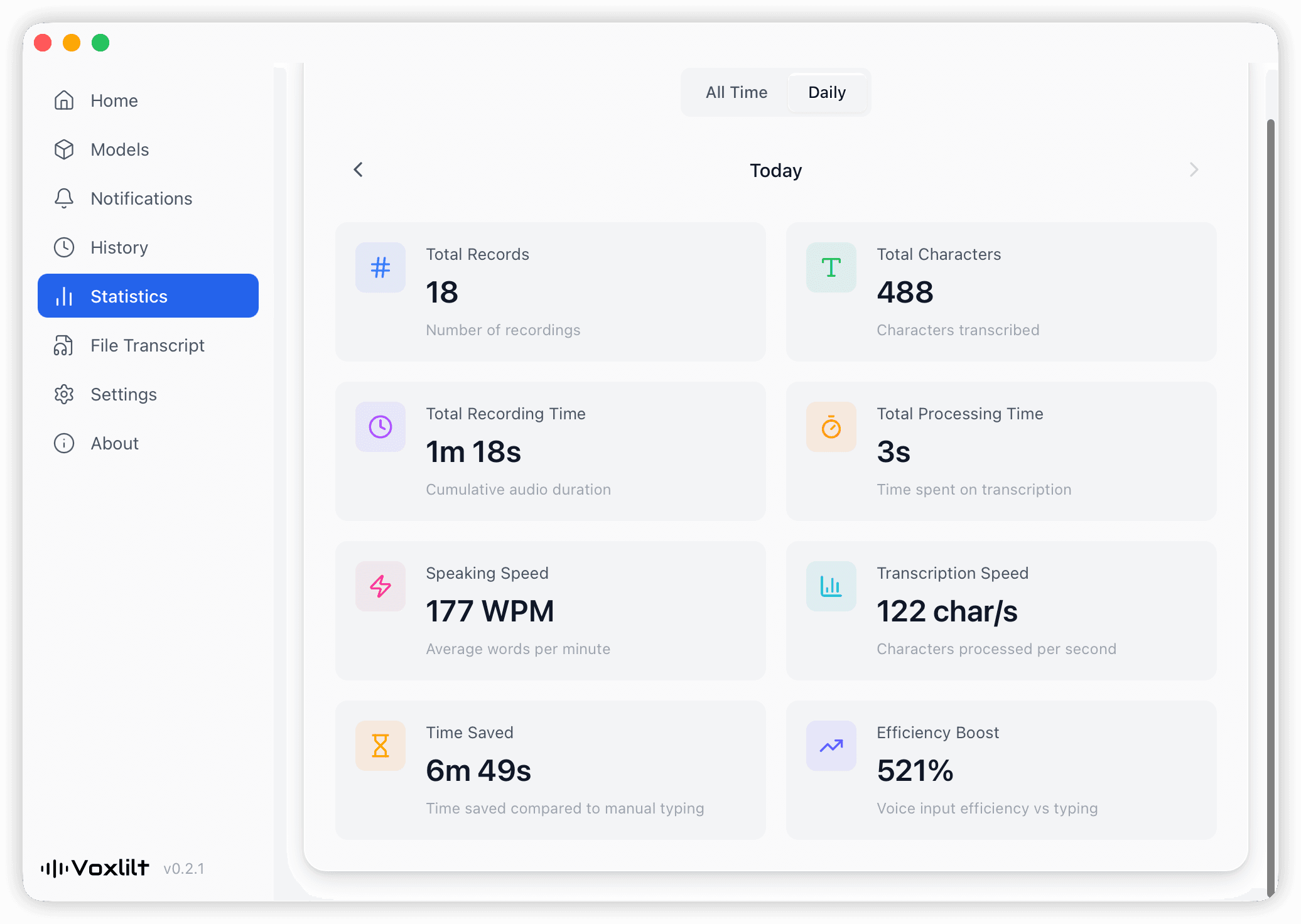
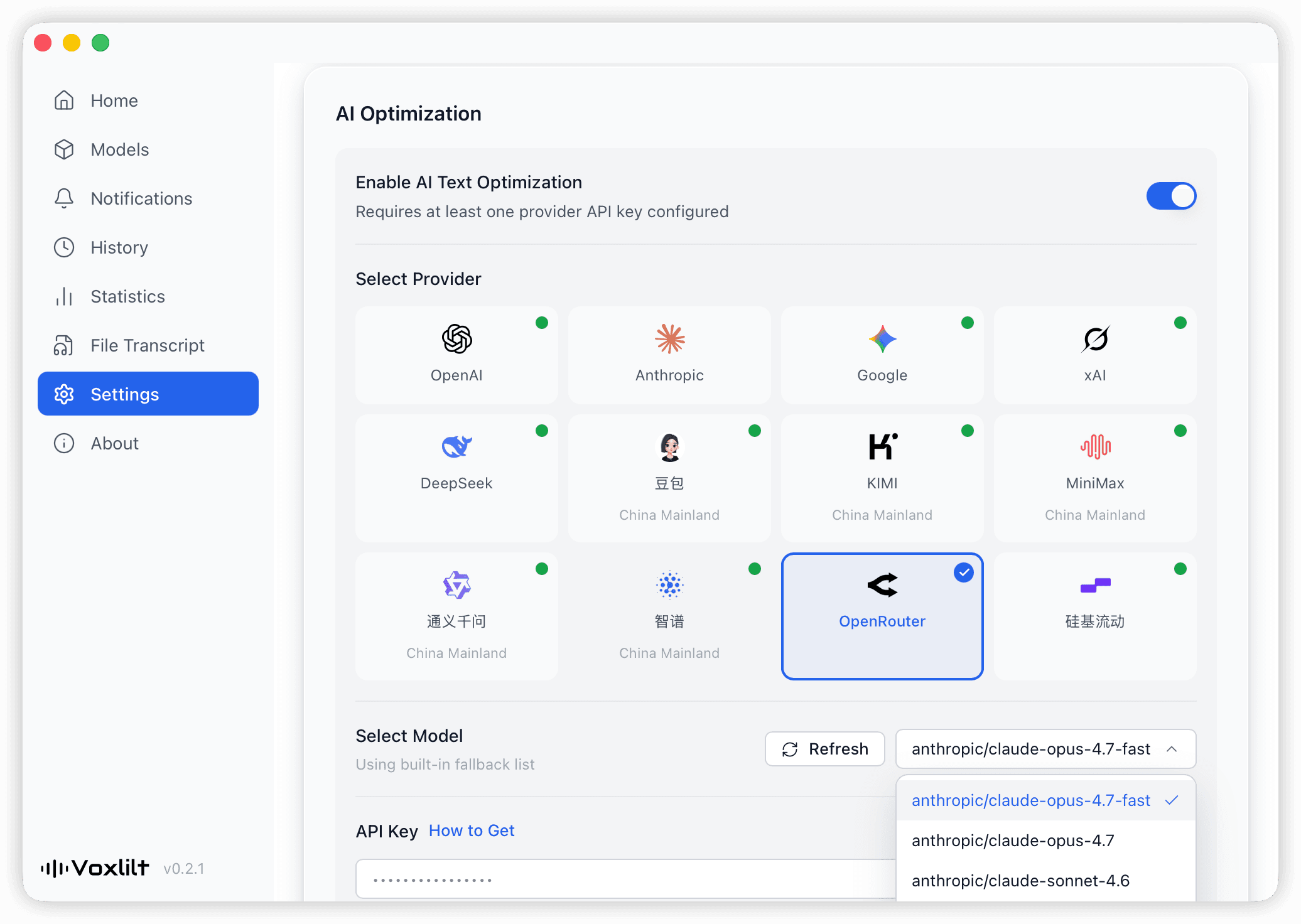
Clean & Elegant Interface
A clean, elegant design with everything at your fingertips
Turn audio files into usable transcripts
Voxlilt is no longer just for live dictation. Import common audio files, run recognition locally, and optionally send only the resulting text for AI cleanup.
File to transcript
Import a common audio file and Voxlilt handles local recognition first. If AI polish is enabled, only recognized text is sent upstream — not the original audio.
Powerful Features
Beyond speech recognition — Voxlilt is built for every input scenario
File Transcription
Transcribe common audio files up to 3 hours or 2GB. Recognition happens locally first, with optional AI cleanup afterward.
Translation
Speak Chinese, output English — or vice versa. Multilingual translation with no boundaries.
AI Polish
Three levels of text refinement: remove filler words, optimize structure, or formalize your writing.
Direct Cursor Input
Recognized text is seamlessly typed into any app at your cursor position without interrupting your workflow.
Custom Hotkeys
Configure multiple hotkey groups — different hotkeys trigger different modes, tailored to your habits.
History
Automatically saves every recognition record. Review original text, translations, and recording duration.
Statistics
Visualize total recording time, transcribed words, speaking speed and more — quantify your productivity gains.
Multiple Models
Built-in Flash (speed) and Pro (accuracy) models. Choose as needed, with support for custom extensions.
Guides by Use Case
Explore focused pages for voice input, file transcription, speech to text, and meeting workflows.
Speech to Text Guide
Core guide for speech to text, voice to text, and live transcription workflows.
Read guideMeeting Transcription Guide
For meeting transcription, AI notes, and post-call writing flows.
Read guideChinese Voice Input Guide
Chinese-language guide for voice input, speech to text, and recording workflows.
Read guideReady to boost your input efficiency?
Experience Voxlilt’s blazing-fast voice input now. Completely free, no sign-up required.
Supports macOS 12+ / Windows 10+.